Lead Management System vs CRM: Key Differences, Features & Benefits
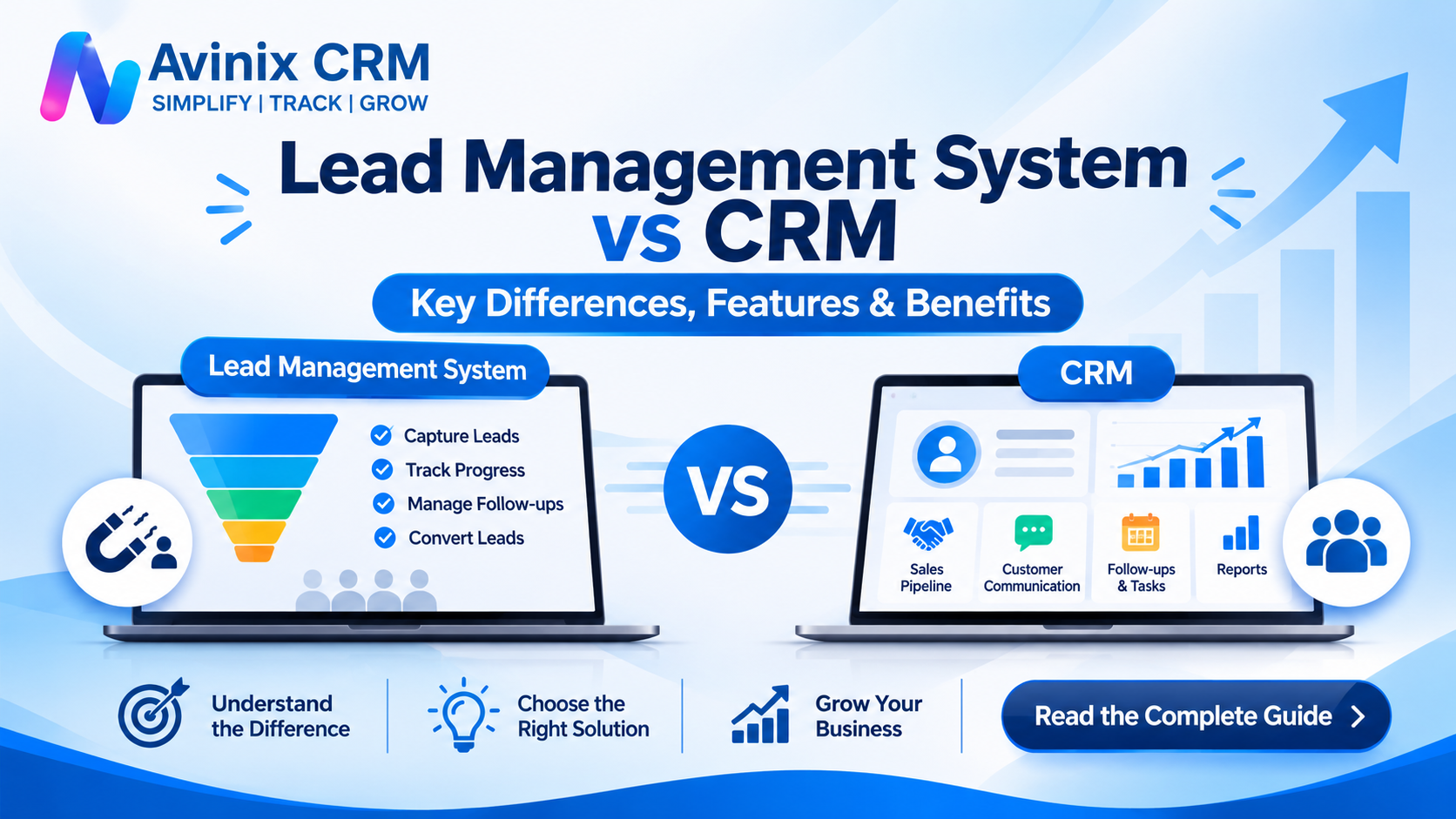
Imagine your business receives 100 enquiries every month through website forms, social media advertisements, WhatsApp, telephone calls, and online directories.
Your sales team contacts these prospects, schedules meetings, shares quotations, and follows up. Some enquiries become customers, while others require additional communication.
But where do you maintain all this information?
If leads are stored in spreadsheets, conversations remain on personal phones, and follow-ups depend on individual employees, managing the sales process becomes increasingly difficult.
This is where lead management systems and CRM software become important.
Although these terms are often used interchangeably, they serve different purposes. Understanding the difference between a lead management system and CRM can help you choose the right technology for organizing enquiries, managing sales activities, and maintaining customer relationships.
Let's explore how they work, their differences, and which solution makes sense for your business.
What Is a Lead Management System?
A lead management system is software designed to organize and manage potential customers from the moment they express interest in a product or service until they become customers or are marked as inactive.
Its primary purpose is to ensure that every business enquiry is captured, assigned, tracked, and followed up systematically.
Instead of maintaining enquiries across spreadsheets, notebooks, and different communication platforms, businesses can manage their prospects through a centralized system.
Key Features of a Lead Management System
A typical lead management system includes:
1. Lead Capture
Collect enquiries from website forms, advertising campaigns, telephone calls, landing pages, and other lead generation channels.
2. Lead Assignment
Distribute incoming enquiries among sales representatives based on defined assignment rules.
3. Lead Tracking
Monitor lead status, ownership, communication history, and progress through the sales process.
4. Lead Qualification
Identify whether prospects match your business requirements, purchasing needs, budget, and interest level.
5. Follow-Up Management
Schedule callbacks, meetings, and reminders to ensure that sales representatives contact prospects at appropriate times.
6. Lead Conversion Tracking
Monitor which enquiries become customers and identify opportunities that need additional attention.
A structured lead management process helps sales teams maintain visibility over their enquiries and reduces dependence on manual tracking.
According to HubSpot's lead management guide, lead management involves capturing, qualifying, routing, nurturing, and tracking leads from initial contact through conversion.
blog.hubspot.com
What Is CRM Software?
CRM stands for Customer Relationship Management.
CRM software is a centralized platform that helps businesses manage interactions and relationships with potential and existing customers.
While lead management focuses primarily on prospects and their journey towards conversion, CRM software provides a broader framework for managing customer information, sales activities, communication, opportunities, and ongoing relationships.
A CRM system helps different team members access relevant customer information instead of maintaining separate records.
For example, when a sales representative speaks with a customer, the conversation details, requirements, previous interactions, and next follow-up can be maintained in one customer record.
Key Features of CRM Software
A comprehensive CRM system may include:
1. Contact and Customer Management
Maintain customer profiles, contact details, business information, preferences, and interaction history.
2. Lead Management
Capture, organize, assign, track, and manage potential customers throughout the sales process.
3. Sales Pipeline Management
Track opportunities through different stages, from initial enquiry to negotiation and successful closure.
4. Communication Management
Maintain customer interactions through supported communication channels such as telephone calls, WhatsApp, and email.
5. Follow-Up and Task Management
Schedule activities, assign responsibilities, and monitor upcoming meetings and follow-ups.
6. Workflow Automation
Automate repetitive activities, notifications, lead assignments, and defined business processes.
7. Reporting and Performance Tracking
Monitor sales activities, lead progress, pipeline status, and team performance.
8. Customer Relationship Management
Maintain customer information and interaction history to support consistent communication and future business opportunities.
According to Salesforce's CRM guide, CRM technology helps businesses manage interactions with current and potential customers across different stages of the customer lifecycle.
Salesforce
Lead Management System vs CRM: Key Differences
The most important distinction is their scope.
A lead management system primarily concentrates on managing potential customers, whereas CRM software provides a broader environment for managing leads, sales opportunities, customer interactions, and business relationships.
Here is a practical comparison.
| Comparison | Lead Management System | CRM Software |
|---|---|---|
| Primary purpose | Manage potential customers | Manage customer relationships |
| Lead capture | Core functionality | Usually included |
| Lead assignment | Core functionality | Usually included |
| Lead tracking | Focuses on prospects | Tracks prospects and customers |
| Lead qualification | Important functionality | Often included |
| Sales pipeline | May be included | Common functionality |
| Customer database | Primarily lead records | Broader customer records |
| Communication history | Lead-focused | Customer and prospect interactions |
| Follow-up management | Lead follow-ups | Broader sales and customer activities |
| Workflow automation | Lead-related processes | Multiple business workflows |
| Team management | Depends on software | Often included |
| Reporting | Lead-focused reports | Broader sales and team reporting |
| Customer lifecycle | Primarily pre-conversion | Can cover ongoing relationships |
Important: These are general functional distinctions, not strict product boundaries. Modern lead management platforms increasingly include CRM capabilities, while modern CRM platforms typically provide comprehensive lead management functionality.
Lead Management vs CRM: How Do They Work Together?
Lead management and CRM are not necessarily competing solutions.
In fact, lead management is often an important component of a CRM platform.
Consider a real estate business receiving enquiries from property portals, website forms, and telephone calls.
The business needs to manage several activities:
- Capture incoming property enquiries.
- Assign enquiries to sales executives.
- Contact potential buyers.
- Understand their property requirements.
- Schedule site visits.
- Share property details and quotations.
- Follow up after meetings.
- Track negotiations and deal progress.
- Record successful conversions.
- Maintain customer information for future interactions.
A standalone lead management system may help organize the initial enquiries and follow-ups.
A CRM platform can connect these activities through a centralized customer record and sales process.
This means the business does not need to maintain separate systems for lead tracking, communication, sales pipeline management, and team activities when an integrated platform supports these requirements.
When Should You Choose a Lead Management System?
A dedicated lead management system may be appropriate when your primary requirement is organizing incoming enquiries and managing the initial sales process.
Consider this solution if:
- Your business generates enquiries through multiple marketing channels.
- Your sales team needs a centralized lead database.
- You want to assign enquiries to different sales representatives.
- Your primary challenge is tracking lead status.
- You need reminders for sales callbacks.
- Your customer relationship requirements are relatively limited.
For example, a small business receiving website enquiries and telephone calls may initially need only lead capture, assignment, and follow-up tracking.
However, as the business expands, additional requirements may emerge, such as pipeline management, communication history, employee accountability, and performance reporting.
When Should You Choose CRM Software?
CRM software is generally a better choice when your business requires more than basic enquiry management.
Consider CRM when:
- Your sales team manages a large number of enquiries.
- Multiple employees interact with the same customers.
- You need to monitor sales opportunities and deal progression.
- Customer communication happens through different channels.
- You want to automate repetitive sales activities.
- You need visibility into employee activities and performance.
- Your business requires structured customer records.
- You want to scale your sales operations.
For example, an automobile dealership may receive enquiries for multiple vehicle models through online advertisements, walk-ins, telephone calls, and marketplace platforms.
The team needs to assign these enquiries, contact prospects, arrange test rides, share quotations, schedule follow-ups, and monitor bookings.
A CRM platform can bring these activities together instead of requiring separate tools.
Essential Features to Look for When Choosing CRM Software
Not every CRM platform offers the same capabilities. Before selecting software, evaluate the functionality that directly supports your business operations.
1. Centralized Lead Management
Your CRM should bring enquiries from different sources into one organized system.
Look for lead ownership, status tracking, lead history, and the ability to manage enquiries throughout their lifecycle.
Avinix CRM provides centralized lead management, allowing businesses to capture, assign, and track enquiries from supported sources.
2. Lead Import and Automatic Distribution
Businesses often receive enquiries through different channels and may also maintain existing customer databases in spreadsheets.
A CRM should support structured data import and appropriate lead assignment.
With Bulk Lead Import, Avinix CRM supports Excel and CSV imports with duplicate detection.
Its Auto Lead Distribution functionality distributes new enquiries according to defined percentages, including separate proportions for different lead sources.
3. Sales Pipeline Management
A sales pipeline helps businesses understand where each opportunity stands.
Common sales stages include:
- New Enquiry
- Contacted
- Qualified
- Interested
- Meeting Scheduled
- Proposal Shared
- Negotiation
- Won
- Lost
Businesses can customize stages according to their sales process.
Avinix CRM offers Sales Pipeline Management with customizable Kanban stages, allowing teams to track opportunities alongside calls, WhatsApp conversations, and next actions.
4. Follow-Up and Task Management
Missed follow-ups can create gaps in the sales process.
A CRM should help employees organize callbacks, meetings, reminders, and assigned activities.
Avinix CRM provides Follow-Up Management, Task Management, and Lead Activity History.
These capabilities help teams maintain visibility into previous interactions and upcoming responsibilities.
5. Communication Management
Customer communication should remain connected to the relevant lead or customer record.
For example, a salesperson should be able to understand previous conversations before contacting a prospect again.
Avinix CRM supports WhatsApp CRM through the Official Meta WhatsApp Business API, with message templates and quick replies.
This allows businesses to manage WhatsApp conversations alongside other sales activities rather than treating WhatsApp as their entire CRM system.
6. Calling and Mobile CRM
Sales teams frequently communicate with customers through telephone calls, including employees working outside the office.
A mobile CRM helps employees access and update information while working remotely or visiting customers.
Avinix CRM provides a SIM-Based Call Centre, which uses the agent's actual mobile SIM for calling and synchronizes supported call logs, actual call time, duration, and recordings with the lead.
Its Mobile CRM application provides access to the same lead records, reminders, communication context, and pipeline on Android and iOS.
7. Workflow Automation
As the number of enquiries increases, manually managing every assignment, reminder, and sales activity becomes difficult.
CRM automation can help organize repetitive processes.
Avinix CRM offers Lead Automations and Workflow Automation to support defined actions involving lead events, assignments, reminders, and workflow steps.
8. Reporting and Team Performance Tracking
Business owners and sales managers need visibility into how their teams manage enquiries and sales opportunities.
Look for reporting capabilities that help you monitor lead sources, activities, pipeline progress, and employee performance.
Avinix CRM offers Reporting and Tracking, a Performance Dashboard, and Team Performance Tracking.
You can also explore Team Management, Role-Based Access, and Custom Fields.
How CRM Helps Businesses Manage Leads from Multiple Sources
Modern businesses generate enquiries through several online and offline channels.
For example:
| Business type | Common lead sources |
|---|---|
| Automobile dealerships | Meta Ads, website, walk-ins, telephone calls |
| Real estate | 99acres, Housing.com, MagicBricks, website |
| Education institutes | Shiksha, website forms, campaigns |
| B2B companies | IndiaMART, TradeIndia, Justdial |
| Service businesses | Sulekha, website forms, telephone enquiries |
Managing these sources separately can create duplicate records, inconsistent follow-ups, and fragmented communication.
A CRM with relevant integrations can help centralize supported enquiries and organize the sales process.
Avinix CRM provides dedicated integration pages for:
- Justdial CRM Integration
- IndiaMART CRM Integration
- TradeIndia CRM Integration
- Sulekha CRM Integration
- 99acres CRM Integration
- Housing.com CRM Integration
- MagicBricks CRM Integration
- Shiksha.com CRM Integration
- Custom Webhook Integration
These integrations help businesses bring supported lead sources into their CRM environment, reducing the need to manage every enquiry through a separate platform.
Common Mistakes Businesses Make When Choosing CRM or Lead Management Software
Selecting software without understanding operational requirements can create unnecessary complexity.
Here are some common mistakes to avoid.
1. Choosing Software Only for Lead Capture
Capturing enquiries is important, but businesses must also manage assignments, communication, follow-ups, and sales progress.
2. Ignoring Follow-Up Management
A lead database without a structured follow-up process does not solve the entire sales management problem.
3. Not Considering Future Growth
A solution that works for two employees may become difficult to manage when the sales team expands.
4. Using Separate Communication Platforms
When customer conversations remain disconnected from lead records, employees may lack important interaction history.
5. Ignoring Mobile Accessibility
Sales representatives, field executives, and business owners may need access to customer information outside the office.
6. Not Evaluating Reporting Capabilities
Without appropriate reporting, managers may struggle to understand lead distribution, sales activities, and pipeline progress.
The right software should match your current operational requirements while providing room for future expansion.
Why an Integrated Lead Management and CRM Platform Makes Sense
For many growing businesses, choosing between lead management and CRM is not the most useful question.
The more important question is whether the software can manage the complete sales process without forcing employees to switch between disconnected tools.
An integrated platform combines the essential lead management process with broader CRM capabilities.
This approach can help businesses:
- Capture enquiries from multiple sources.
- Assign leads to the right employees.
- Track lead status and sales opportunities.
- Maintain customer communication history.
- Schedule calls, meetings, and follow-ups.
- Automate defined sales workflows.
- Monitor employee activities.
- Review sales pipeline progress.
- Access information through mobile applications.
Avinix CRM is designed around this integrated approach.
It combines lead management, sales pipeline tracking, SIM-based calling, Official Meta WhatsApp integration, follow-up management, tasks, workflow automation, team management, and reporting.
Businesses can explore the complete Avinix CRM features to understand how these capabilities work together.
Conclusion: Lead Management System vs CRM – Which One Should You Choose?
A lead management system is primarily designed to organize potential customers, manage enquiries, and track the conversion process.
CRM software offers a broader approach by connecting lead management with sales pipelines, customer interactions, follow-ups, team activities, and ongoing customer relationships.
If your business only needs basic enquiry tracking, a dedicated lead management solution may be sufficient.
However, if you want to organize your sales process, manage customer communication, improve team coordination, and maintain better visibility into business activities, CRM software is generally the more comprehensive choice.
For growing businesses, an integrated platform that combines lead management and CRM functionality can provide a more structured way to manage sales operations.
Simplify Your Sales Management with Avinix CRM
Capture leads. Track opportunities. Manage conversations. Organize follow-ups. Monitor your team.
Bring your sales activities together with Avinix CRM, an all-in-one mobile-first CRM designed for startups, SMEs, growing companies, and larger organizations.
- Explore: Avinix CRM
- Discover: CRM Features
- View: Pricing Plans
- Contact: +917770023600
SIMPLIFY | TRACK | GROW
Frequently Asked Questions
1. What is the difference between a lead management system and CRM?
A lead management system focuses on capturing, assigning, tracking, and converting potential customers. CRM software provides broader customer relationship management capabilities, including lead management, sales pipelines, communication history, follow-ups, tasks, and reporting.
2. Is CRM better than a lead management system?
CRM is generally more comprehensive because it combines lead management with broader sales and customer relationship activities. However, the right option depends on your business requirements, team size, sales process, and customer management needs.
3. Can CRM software manage leads?
Yes. Most modern CRM platforms include lead management functionality. Businesses can capture enquiries, assign leads to employees, monitor lead status, record interactions, schedule follow-ups, and track opportunities through the sales pipeline.
4. Do small businesses need CRM or lead management software?
Small businesses can benefit from CRM software when they need to manage enquiries, customer communication, follow-ups, and sales activities in one place. A simple, easy-to-adopt CRM can support business growth without requiring complicated processes.
5. What features should a lead management CRM include?
Important features include lead capture, automatic lead assignment, lead tracking, follow-up reminders, sales pipeline management, communication history, task management, workflow automation, and reporting. The exact requirements depend on how the business generates and manages enquiries.
6. Can CRM software manage leads from multiple sources?
Yes, depending on the available integrations. CRM platforms can connect supported sources such as website forms, advertising platforms, online directories, and marketplaces to centralize incoming enquiries and organize follow-up activities.
7. Can I manage sales teams using CRM software?
Yes. CRM software can provide team management, lead ownership, task assignments, role-based access, activity tracking, and performance reporting. These features help sales managers monitor responsibilities and understand the progress of their teams.
8. What is the benefit of using an integrated lead management and CRM platform?
An integrated platform connects lead capture, assignment, communication, follow-ups, pipeline tracking, and reporting. It reduces dependence on disconnected tools and helps employees access relevant customer information through a centralized system.