CRM Software for Small Businesses: Complete Buying Guide
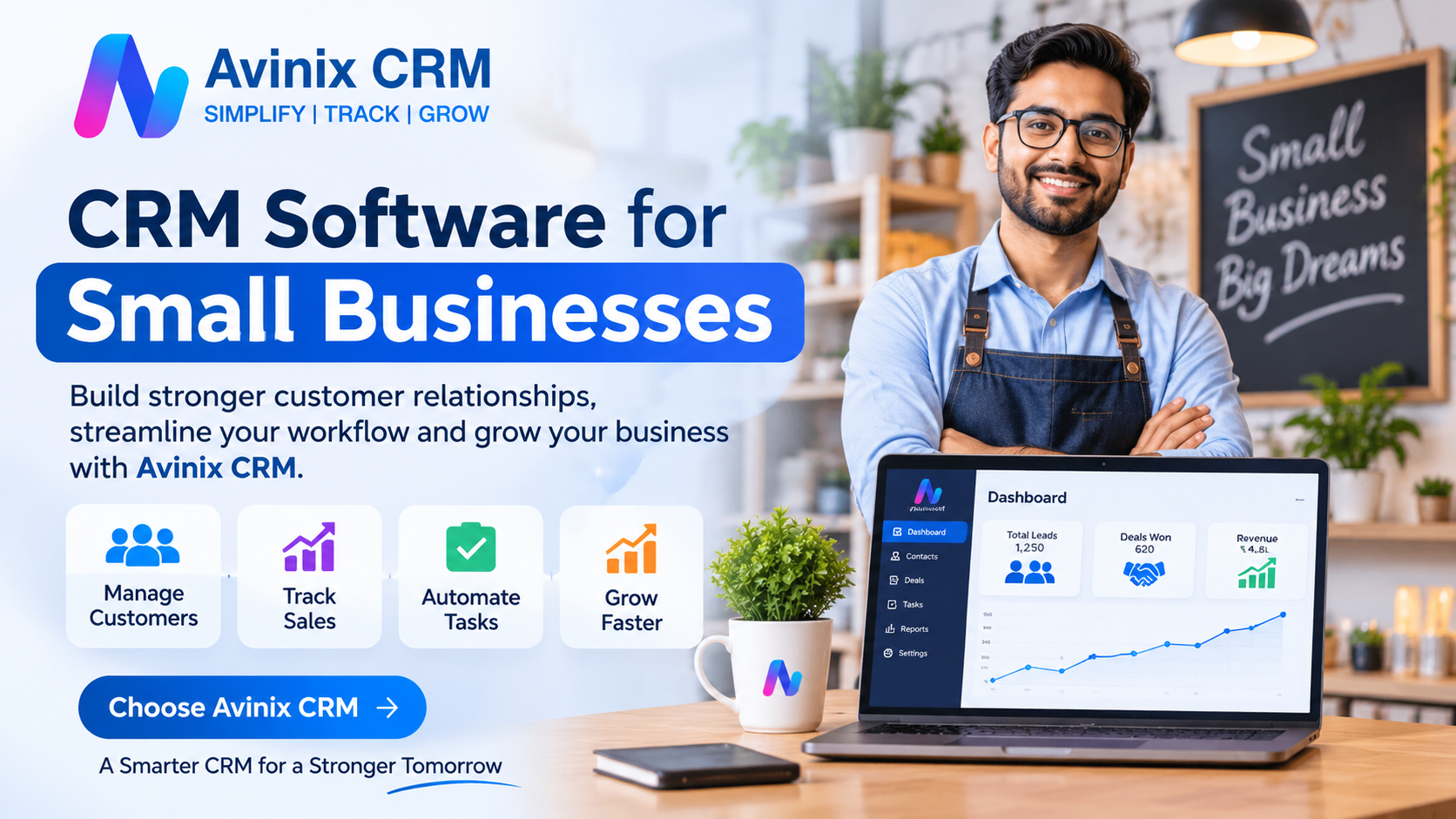
You receive 30 enquiries in a week. Some customers contact you through WhatsApp, others call your business, and a few submit enquiries through your website. Your sales team maintains customer details in Excel, while follow-up reminders remain scattered across personal phones and notebooks.
Eventually, some enquiries get missed, customers receive delayed responses, and you struggle to understand which sales opportunities are actually progressing.
This is a common challenge for growing businesses. Managing customer relationships becomes increasingly difficult when information is spread across multiple platforms and employees.
This is where CRM software for small businesses becomes valuable. A Customer Relationship Management (CRM) system helps businesses organize customer information, track enquiries, manage sales opportunities, and maintain consistent communication from one centralized platform.
However, choosing the right CRM is not simply about purchasing software with the most features. It is about finding a practical solution that fits your business operations, team size, budget, and future growth.
This complete buying guide explains how CRM software works, which features matter, what it costs, and how to choose the right solution for your business.
1. What Is CRM Software for Small Businesses?
CRM stands for Customer Relationship Management. It refers to the processes and technology businesses use to manage interactions with potential and existing customers.
CRM software for small businesses provides a centralized system for storing customer information, tracking enquiries, managing sales activities, and maintaining communication history.
Instead of maintaining separate spreadsheets, phone contacts, and conversation records, employees can access relevant customer information through one platform.
How Does a CRM System Work?
A typical CRM workflow follows these steps:
- Lead capture: Customer enquiries enter through websites, advertisements, calls, WhatsApp, referrals, or other sources.
- Lead organization: Customer details are stored in a centralized database.
- Lead assignment: Enquiries are allocated to the appropriate salesperson.
- Customer communication: Employees record calls, messages, meetings, and other interactions.
- Follow-up management: Reminders and tasks help employees complete the next action.
- Sales pipeline tracking: Opportunities move through different sales stages.
- Performance monitoring: Managers review sales activities, pending opportunities, and team performance.
This creates a structured sales process where customer information remains accessible instead of depending on individual employees.
2. Why Do Small Businesses Need CRM Software?
Many small businesses initially manage customers using Excel spreadsheets and WhatsApp. This approach may work when enquiry volumes are low, but it becomes difficult as the business expands.
Here are some common problems a CRM system can solve.
A. Prevent Lost Leads
When enquiries arrive from multiple sources, manually tracking each one becomes challenging.
A CRM helps centralize customer enquiries and assign responsibility to individual employees. Managers can see which leads are new, contacted, qualified, or awaiting follow-up.
B. Improve Customer Follow-Ups
Customers frequently compare multiple businesses before making a purchase.
If your salesperson forgets to call someone who requested a quotation, the opportunity may be lost.
CRM follow-up reminders, tasks, and activity tracking help employees maintain communication at the appropriate time.
C. Understand Your Sales Performance
Business owners need answers to important questions:
- How many enquiries did we receive this month?
- How many leads are still pending?
- Which salesperson is handling the most enquiries?
- How many opportunities have reached the quotation stage?
- Which deals are likely to close?
A CRM dashboard provides a more structured view of sales activities and opportunities.
D. Reduce Dependency on Individual Employees
When customer information exists only on an employee's phone, the business risks losing important communication history when that person leaves.
A centralized CRM keeps customer records, notes, activities, and ownership accessible to authorized team members.
E. Support Business Growth
A structured CRM process makes it easier to add sales representatives, manage additional enquiries, introduce new branches, and maintain consistent customer management practices.
3. Excel vs CRM Software: Which Is Better?
Excel is a useful business tool, particularly for maintaining simple lists and performing calculations. However, it is not designed to manage an entire customer relationship and sales workflow.
Consider the differences:
| Business Activity | Excel Spreadsheet | CRM Software |
|---|---|---|
| Customer database | Manually maintained | Centralized records |
| Lead assignment | Manual sharing | Structured assignment |
| Follow-up reminders | Separate tracking required | Integrated reminders |
| Sales pipeline | Manual status updates | Visual pipeline |
| Communication history | Scattered across channels | Linked to customer records |
| Team coordination | File sharing | Shared access and ownership |
| Performance tracking | Manual reports | CRM dashboards |
| Mobile accessibility | Limited workflow flexibility | Dedicated CRM applications, depending on provider |
When should you move from Excel to CRM?
Consider switching when:
- Multiple employees handle customer enquiries.
- You regularly forget callbacks or meetings.
- Leads arrive through several marketing channels.
- Managers cannot easily monitor sales activities.
- You spend too much time preparing sales reports.
- Customer information is duplicated across spreadsheets.
You do not need hundreds of customers to benefit from CRM. Even a small team can benefit when enquiries and follow-ups become difficult to manage manually.
4. Essential CRM Features Small Businesses Should Look For
Not every business requires an advanced enterprise CRM. The right approach is to prioritize features that solve everyday operational problems.
Here are the most important capabilities to evaluate.
1. Lead Management
Lead management is one of the most important CRM capabilities.
Look for software that allows you to:
- Capture and organize customer enquiries.
- Store contact details and business requirements.
- Assign leads to sales representatives.
- Track lead status and ownership.
- Add notes and customer activity.
- Import existing customer records from Excel.
This helps ensure every enquiry has a clear owner and next action.
2. Sales Pipeline Management
A sales pipeline shows where each opportunity stands in your sales process.
A visual Kanban pipeline helps employees understand their priorities and allows managers to identify opportunities that have stopped progressing.
3. Follow-Up and Task Management
A good CRM should allow employees to schedule calls, meetings, tasks, and customer follow-ups.
Look for:
- Call reminders.
- Meeting reminders.
- Task assignment.
- Calendar visibility.
- Activity history.
- Pending and overdue follow-ups.
This is particularly useful for businesses with longer sales cycles.
4. WhatsApp and Calling Integration
For many Indian businesses, WhatsApp and phone calls are important customer communication channels.
Consider a CRM that connects relevant conversations and calling activities with customer records.
Depending on the system, useful capabilities may include:
- Official WhatsApp Business API integration.
- Shared WhatsApp conversations.
- Call activity synchronization.
- Call recordings.
- Communication history.
This reduces dependency on scattered personal communication.
5. Mobile CRM Application
Business owners and sales representatives are not always working from an office.
A mobile CRM application allows authorized users to access customer records, check pending tasks, update lead status, and manage sales activities while travelling or visiting customers.
Check whether the provider supports Android, iOS, or both.
6. Team Management and Reporting
As your team grows, you need visibility into individual and overall performance.
Important capabilities include:
- Lead ownership.
- Role-based access.
- Salesperson activity tracking.
- Performance dashboards.
- Sales reports.
- Multiple team or workspace management, where required.
7. Ease of Use and Customization
A CRM is useful only when employees actually use it.
Choose software with a straightforward interface, practical workflows, relevant custom fields, and an onboarding process your team can understand.
Avoid paying for unnecessary complexity.
5. How to Choose the Right CRM Software for Your Small Business
Before purchasing CRM software, evaluate the following seven factors.
Step 1: Identify Your Business Requirements
Start by documenting your existing sales process.
Ask yourself:
- Where do customer enquiries originate?
- How many people handle leads?
- How are enquiries assigned?
- How are follow-ups scheduled?
- Which reports do managers need?
- Which communication channels are important?
Select software according to these requirements rather than choosing features simply because they look impressive.
Step 2: Evaluate Pricing and Total Cost
CRM pricing models vary significantly.
Common pricing structures include:
| Pricing Model | How It Works | Suitable For |
|---|---|---|
| Per-user subscription | Pay according to the number of users | Growing sales teams |
| Flat subscription | Pay a fixed amount for a defined package | Teams with predictable usage |
| Tier-based pricing | Features vary by subscription level | Businesses with changing requirements |
| Usage-based pricing | Charges depend on selected usage | Businesses with variable communication needs |
Also check for:
- GST and applicable taxes.
- Annual or quarterly commitments.
- Setup charges.
- WhatsApp API charges.
- Additional user costs.
- Data migration or onboarding costs.
Compare the total expected expense, not just the advertised starting price.
Step 3: Check Integration Capabilities
Your CRM should fit into your existing business process.
Check whether it supports the channels and tools you actually use, such as website enquiries, advertising leads, WhatsApp, phone calls, and existing customer databases.
Step 4: Check Data Security and Access Control
Customer information is valuable business data.
Before choosing a provider, understand:
- User permissions and role-based access.
- Data backup and recovery practices.
- Account security controls.
- Data export availability.
- Privacy and data handling policies.
- Data deletion and account termination procedures.
Ask the provider how customer information is stored, protected, and managed.
Step 5: Test the User Experience
If possible, request a product demonstration.
Ask the provider to demonstrate your actual workflow rather than showing only generic dashboards.
For example, ask them to demonstrate how a new enquiry is captured, assigned, contacted, followed up, and moved through the pipeline.
Step 6: Evaluate Scalability
Choose a CRM that can accommodate future requirements, including:
- Additional sales representatives.
- Increased enquiry volume.
- Multiple branches.
- Different sales pipelines.
- Additional communication channels.
- More detailed reporting.
Step 7: Understand Customer Support
Check the availability of onboarding assistance, documentation, technical support, and training resources.
For a small business without a dedicated IT department, accessible support can make implementation considerably easier.
6. Practical CRM Examples Across Different Industries
CRM software is not limited to technology companies or large sales departments. Businesses across different industries can use it to organize customer relationships.
Real Estate Agencies
Real estate agents receive enquiries about different properties, budgets, locations, and site visits.
A CRM can help them:
- Store buyer and property requirements.
- Assign enquiries to individual agents.
- Schedule property visits.
- Track negotiations.
- Maintain customer communication history.
For example, when a buyer requests a site visit, the agent can record the appointment and schedule a follow-up instead of relying on a personal calendar.
Automobile Dealerships
Car and two-wheeler dealerships manage enquiries about models, variants, test drives, financing, and exchange offers.
A CRM helps dealerships assign enquiries to sales executives, track test-drive appointments, record customer interactions, and monitor booking progress.
Managers can also review salesperson activities and pending enquiries.
Educational Institutes
Coaching centres and educational institutes receive enquiries about courses, fees, admissions, and batches.
A CRM can organize enquiries by course, assign counsellors, schedule counselling calls, and track admission progress.
Service-Based Businesses
Digital marketing agencies, IT service providers, consultants, and other service businesses can use CRM software to manage enquiries, proposals, meetings, and client communication.
A structured system helps ensure that potential clients receive timely responses and that important discussions remain accessible to the team.
7. How Much Does CRM Software Cost for Small Businesses?
The cost of CRM software depends on the provider, features, billing structure, number of users, and additional services.
For Indian small businesses, pricing is commonly presented in one of these formats:
- Entry-level subscriptions: Basic customer and lead management.
- Per-user subscriptions: Charges increase as more employees are added.
- Advanced subscriptions: Additional automation, reporting, integrations, and administrative capabilities.
- Communication add-ons: Separate charges may apply for WhatsApp Business API usage, messaging, or other services.
Example: Calculating Your CRM Budget
Suppose a business has five sales representatives and selects a CRM priced at ₹700 per user per month.
| Expense | Monthly Amount |
|---|---|
| Five CRM users | ₹3,500 |
| GST at 18% | ₹630 |
| Total monthly equivalent | ₹4,130 |
This is an illustrative calculation, not a quotation. Actual billing may be quarterly or annually, and additional charges may apply.
Important buying tip: Do not evaluate CRM software only by its subscription price. Consider the time saved in administration, the visibility it provides, and whether it helps your employees follow a consistent sales process.
8. How to Implement CRM Software in a Small Business
Purchasing software is only the first step. Successful implementation requires a practical rollout plan.
Follow these steps:
1. Clean Your Existing Customer Data
Before importing Excel files, remove duplicate entries, correct incomplete contact details, and standardize important fields.
Organize information such as:
- Customer name.
- Phone number.
- Email address.
- Lead source.
- Product or service interest.
- Current lead status.
- Assigned salesperson.
2. Define Your Sales Process
Decide which stages customers pass through before purchasing.
Keep the initial pipeline simple. You can introduce additional stages when your process requires them.
3. Create User Accounts and Assign Responsibilities
Give each employee the appropriate access and define responsibilities for new enquiries, follow-ups, and reporting.
4. Import Existing Leads
Move your cleaned customer information into the CRM using supported import options.
Check a sample of imported records to ensure that the data is correctly mapped.
5. Train Your Employees
Show employees how to:
- Add and update leads.
- Record calls and customer discussions.
- Schedule reminders.
- Update pipeline stages.
- Complete assigned tasks.
Explain why updating customer records matters to the entire business.
6. Monitor Usage and Improve
During the first few weeks, review whether employees are consistently updating records and completing follow-ups.
Identify unnecessary steps and simplify the workflow where possible.
9. Common Mistakes to Avoid When Buying CRM Software
Small businesses sometimes purchase CRM software without evaluating their actual requirements.
Avoid these common mistakes:
Choosing based only on price: The cheapest subscription may not support essential business workflows.
Purchasing too many features: Unnecessary complexity can reduce adoption and increase costs.
Ignoring mobile accessibility: This can create difficulties for field sales representatives and business owners.
Not checking integrations: A disconnected CRM may create additional manual work.
Importing unclean customer data: Duplicate and incomplete records can affect reporting and employee productivity.
Skipping employee training: Without proper training, employees may continue maintaining separate spreadsheets.
Ignoring data ownership: Always understand how to export your business information and what happens when you discontinue the subscription.
10. Is Avinix CRM Suitable for Small Businesses?
Mobile-first CRM software for growing businesses
Small businesses often need a CRM that is easy to adopt without sacrificing important sales management capabilities.
Avinix CRM is designed to help startups, SMEs, and growing sales teams manage leads, sales pipelines, customer conversations, follow-ups, and team activities from one centralized platform.
Some relevant capabilities include:
- Centralized lead management: Organize enquiries and maintain customer information in one place.
- Automated lead distribution: Assign incoming enquiries to sales representatives using defined distribution rules.
- Visual sales pipeline: Track opportunities through customizable Kanban stages.
- Follow-up management: Schedule calls, meetings, and tasks against customer records.
- Official WhatsApp integration: Manage customer conversations through the official Meta WhatsApp Business API.
- SIM-based calling: Sync supported phone call logs, actual call time, and recordings with lead records.
- Mobile applications: Access customer and sales information through Android and iOS applications.
- Performance dashboards: Review team activities, leads, and pipeline performance.
These capabilities can be particularly useful for businesses managing enquiries through advertising, website forms, phone calls, WhatsApp, and other lead sources.
What Makes It Worth Evaluating?
Avinix CRM focuses on bringing everyday sales activities into one system rather than requiring employees to switch between multiple tools.
A small business can use it to establish a structured lead management process, while a growing organization can use features such as team management, workspaces, automation, and reporting as its operations expand.
The most practical way to evaluate its suitability is to see how it handles your actual business workflow.
Explore the relevant capabilities:
11. Frequently Asked Questions About CRM Software for Small Businesses
1. What is the best CRM software for small businesses?
The best CRM software is one that matches your business requirements, budget, and sales process. Look for lead management, follow-up reminders, pipeline tracking, mobile accessibility, reporting, and integrations. Prioritize ease of use and scalability over the number of features offered.
2. Is CRM software suitable for very small businesses?
Yes. Even businesses with two or three employees can benefit from CRM software. It helps organize customer information, track enquiries, schedule follow-ups, and maintain communication history without depending on separate spreadsheets or personal devices.
3. How much does CRM software cost in India?
CRM pricing in India varies according to the provider, subscription model, and features. Some platforms charge per user, while others offer fixed packages. Businesses should also consider GST, setup fees, additional users, and communication charges before selecting a subscription.
4. Can CRM software integrate with WhatsApp?
Yes. Some CRM platforms support official WhatsApp Business API integration, allowing businesses to manage customer conversations alongside lead information. Depending on the platform, teams can also use message templates, shared conversations, and bulk broadcasting subject to applicable WhatsApp policies.
5. How long does it take to implement CRM software?
Implementation time depends on the number of users, existing customer data, integrations, and workflow complexity. A small business with clean customer records and a simple sales process can generally begin with a basic setup before gradually introducing additional workflows.
6. Should a small business choose cloud-based or mobile CRM software?
A cloud-based CRM with mobile applications is useful for businesses that need access to customer information across different locations. Evaluate mobile functionality, supported operating systems, account security, and offline capabilities rather than assuming every mobile CRM supports the same features.
7. Can CRM software help improve sales team productivity?
Yes. CRM software can improve sales team organization by assigning leads, scheduling reminders, recording customer interactions, and providing pipeline visibility. Managers can identify pending activities and review performance without depending entirely on manually prepared reports.
12. Conclusion: Choose CRM Software That Grows With Your Business
Choosing the right CRM software for small businesses is an important step toward building a more organized and scalable sales process.
The right platform should help you centralize customer information, manage enquiries, track sales opportunities, schedule follow-ups, and monitor team performance without introducing unnecessary complexity.
Before purchasing, evaluate your business requirements, essential features, pricing, integrations, mobile accessibility, data security, and ease of adoption.
If you are looking for a mobile-first CRM that brings lead management, sales pipelines, official WhatsApp communication, calling, follow-ups, and team tracking together, explore Avinix CRM.
Build a more structured sales process and take the next step toward sustainable business growth.
SIMPLIFY | TRACK | GROW
Simplify Your Sales Process with Avinix CRM
Explore the platform and see how it fits your business requirements.
- Website: www.avinixcrm.com
- Phone: +917770023600
- Action: Book a Demo